
Returns and labels
Refund when the return arrives, not when the email does
Issue the label, track the parcel and release the refund once the item is received and graded.
- QR and label-free returns
- Refund released on receipt
- EasyPost and Shippo labels
Order #40203
Wrong size
€64.00
The rule that fired
Size and fit returns
Policy v4, published
Outcome
Refunded on receiptInputs and outcomes
Parcels in, refunds out
What Lumtry watches
- Return labels, tracking events and carrier exceptions
- Receipt confirmations from your team or your warehouse
- Per-item condition grades and any deductions
- Returns that stall past the window your policy sets
What you get
- EasyPost and Shippo labels, plus QR and label-free returns
- Returnless refunds when your policy says the item is not worth shipping back
- A shopper returns portal for your storefront
- ShipBob and ShipHero warehouse sync for receipt events
Follow one case
One wrong-size return, from portal to refund
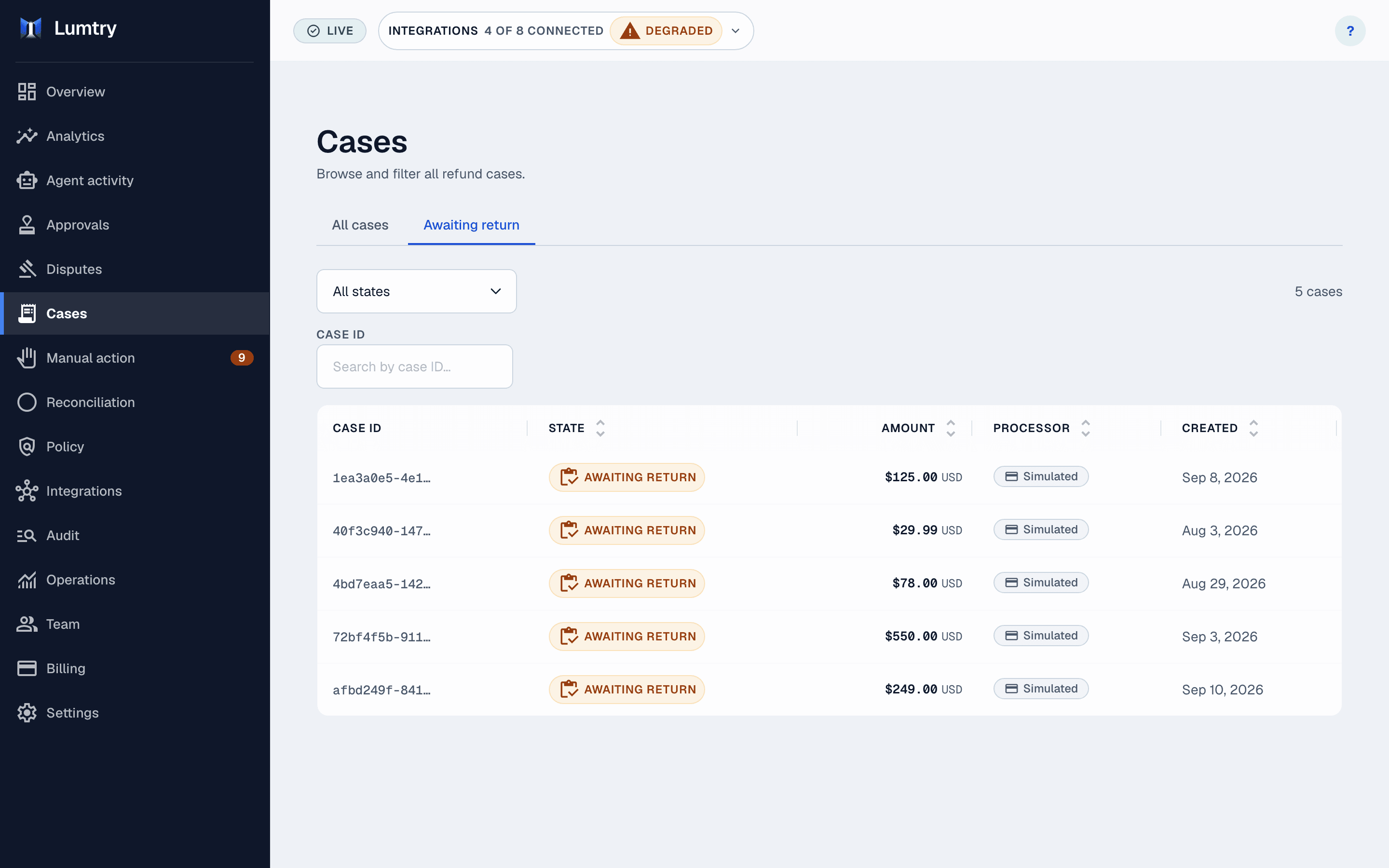
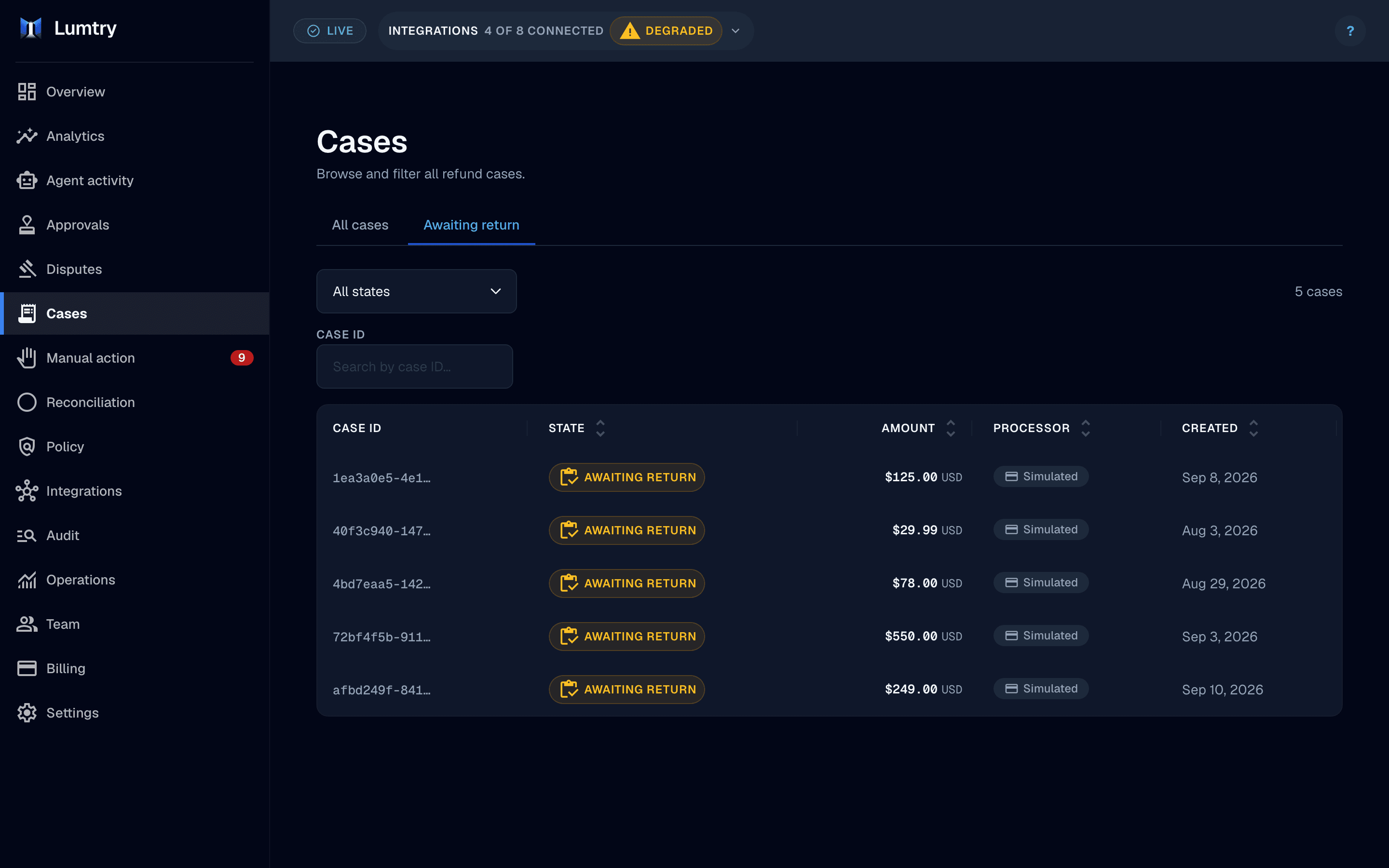
A sample return: a QR code, a drop-off, a warehouse receipt and then the refund. Nobody on your team had to touch it.
Order #40203
Wrong size
€64.00
- 10:02:18
Return opened in the portal
The shopper picks the item and the reason on your returns portal.
- 10:02:19
Policy v4 allows the return
The order is inside the return window and the item is worth shipping back, so the policy issues a label.
- 10:02:24
QR code issued
Lumtry buys the label through EasyPost and sends the shopper a QR code for drop-off.
- 14:47:09
Received at the warehouse
A ShipBob receipt event marks the item received and graded as resellable.
- 14:47:15
Refund released
The refund runs against the graded item and the audit log records it.
Refunded on receipt
The rule that fired
Size and fit returns
- When
- IfThe reason is wrong size or fit
- AndThe order is inside your return window
- AndThe item is worth shipping back
- Then
- Issue a QR label and refund on receipt
The rules are yours: edit them on the canvas, test them in shadow mode, then publish a new version.
How it works
From portal to released refund in four steps
Open the return
The shopper starts in the portal or your team opens the case.
Issue the label
Lumtry buys a label or a QR code, or skips shipping when the policy allows.
Confirm the receipt
A scan, a warehouse event or your team marks the item received.
Release the refund
The refund executes against the graded items and the audit log records it.
Who it is for
For the teams who handle returns
Ops leads
Stop refunding parcels that never ship back.
Warehouse teams
Record receipts and grades where the refund can read them.
CX leads
Give shoppers a portal and a clear status instead of a thread.
Works with
Connects to the tools you run
Shopify
Orders and refund requests in, refunds and store credit out.
WooCommerce
Orders and refund requests from your WooCommerce store.
BigCommerce
Orders and refund requests from your BigCommerce store.
EasyPost
Return labels, QR codes and tracking.
Shippo
Return labels, QR codes and tracking.
QR-code returns
Returns without a printed label, where your policy allows.
ShipBob
Warehouse receipt events that release refunds.
ShipHero
Warehouse receipt events that release refunds.
Warehouse sync: see pricing for the plans that include it.
Questions
Questions, answered
Still unsure whether it fits your store? The team building Lumtry answers every message.
Which carriers can issue labels?
Labels are issued through EasyPost or Shippo, which reach the carriers you enable in those accounts.
Can shoppers return without printing a label?
Yes, where the carrier supports it Lumtry can issue a QR code, and label-free returns are available when your policy allows them.
When is the refund released?
When your policy requires a receipt, the refund waits until the return is received. Your policy can also allow returnless refunds for low-value items.
Do I need a warehouse integration?
No. Your team can mark returns received in the dashboard. ShipBob and ShipHero sync is available when your warehouse runs on them.
Is there a returns portal for shoppers?
Yes. The shopper portal lets customers look up an order and start a return that follows your policy.
What if a label is bought but never used?
Lumtry tracks label status and flags returns that stall, so you can void the label or follow up before the window closes.
Related solutions
More ways Lumtry helps
Tie refunds to real returns
See labels, tracking and receipt gating on the sample workspace.